
What Is Nissan ProPILOT Assist? A Victorville Driver’s Guide
If you spend time on the I-15 between Victorville, Hesperia, and Apple Valley, you know how tiring stop-and-go traffic and long highway stretches can be. Nissan ProPILOT Assist is a driver-assist system designed to ease some of that workload. This guide explains what it does, what it does not do, and what to ask before you choose a Nissan with it.
- Three core functions: adaptive cruise control, steering assist, and a stop-and-go function, according to Nissan
- Hands-on system: Nissan says the driver must keep hands on the wheel at all times with ProPILOT Assist
- Driver stays in charge: you can override or turn the system off at any time
What ProPILOT Assist Does
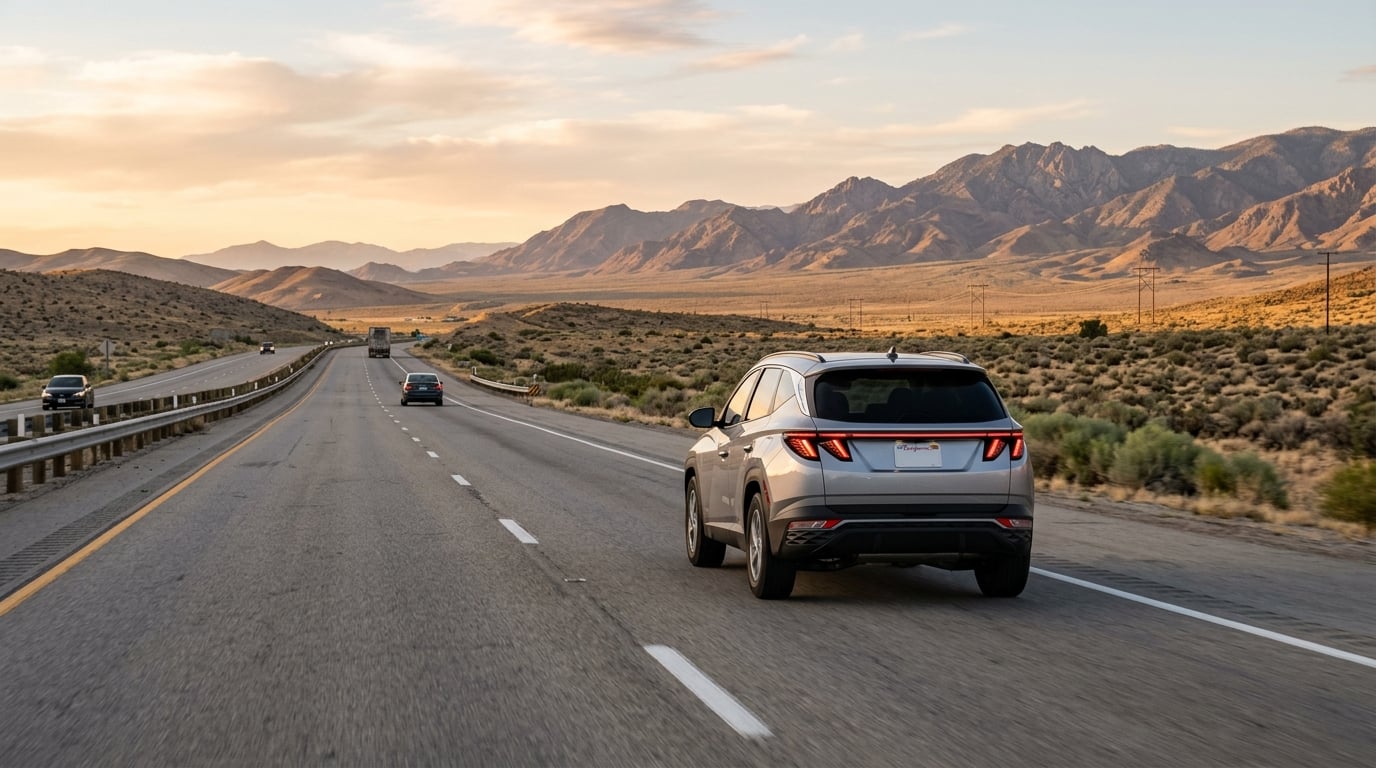
Nissan describes ProPILOT Assist as a system that combines three main functions:
- Adaptive cruise control: adjusts your speed to maintain a preset following distance from the vehicle ahead.
- Steering assist: provides small steering inputs to help you stay centered in your lane.
- Stop-and-go function: can bring the vehicle to a full stop, hold it in place, and help bring you back up to speed when traffic starts moving again.
According to Nissan, the system uses a forward-facing camera, forward-facing radar, sensors, and an electronic control module to do this. Nissan also lists related features, including Speed Adjust by Route and Speed Limit Assist, on some systems.
How You Turn It On
Once the system is engaged and lane markings are detected, Nissan says you press SET at your desired speed and following distance, and the dashboard shows that the system is in use. If you press the brake or steer, your input takes over. Nissan notes that after a stop of more than a few seconds, you may need to press the resume button or tap the accelerator to continue.
Your Role as the Driver
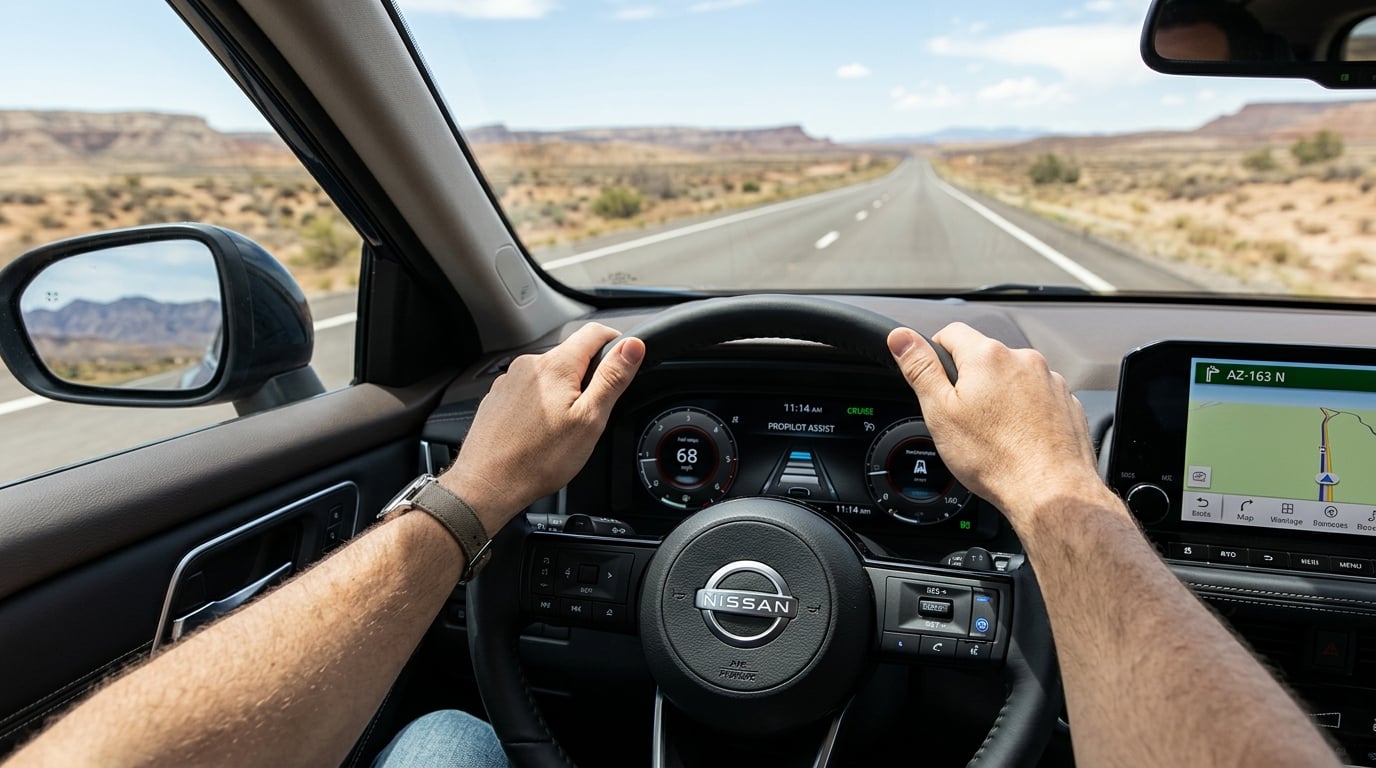
ProPILOT Assist helps with the driving task. It does not replace the driver. Nissan states that the driver must keep both hands on the steering wheel at all times with this system. If the system does not detect a hand on the wheel, it provides a series of visual and audible alerts. You are responsible for watching traffic and being ready to steer, brake, or accelerate at any time.
ProPILOT Assist 2.1 and Hands-Free Driving
Nissan also offers a more advanced version called ProPILOT Assist 2.1 on some vehicles. According to Nissan, it uses cameras, radar, and sonar, along with 3D high-definition mapping, and it can operate hands-free on compatible roads.
- Nissan says hands-off driving applies only on compatible, controlled-access divided highways, and not in active construction zones or areas awaiting re-mapping.
- The system operates only when lane markings are detected, and the driver must remain attentive and ready to take manual control immediately.
- Nissan indicates when hands-free operation is available with a blue interior light and a dashboard icon.
- Nissan notes that a NissanConnect Services subscription is required after the trial period ends.
- Nissan also lists a passing assist feature as unique to ProPILOT Assist 2.1.
Which system comes on a particular vehicle depends on its model year, model, trim, packaging, and options. Ask us to confirm exactly what a specific Nissan includes.
When the System May Not Work

Nissan is clear that ProPILOT Assist has limitations and may not function correctly in some conditions. Nissan’s list includes:
- Weather: light reflections on wet roads, snow or ice buildup, and heavy rain or fog. Steering assist can cancel when the wipers run at a low or high speed.
- Lane markings: faded markings, direct sunlight, construction zones, shadows, and places where lanes split, widen, or exit.
- Traffic: rapid or slow merging, hard deceleration, tollbooths, and the end of a traffic jam.
On the 15, that means paying extra attention around construction, exits, and merges, and anywhere the road markings are worn. Treat the system as an extra layer of support, not a substitute for your own attention.
Where It Helps and Where It Does Not
Where it can help
- Long highway stretches where steady speed and following distance take effort
- Stop-and-go traffic, where Nissan says the system can stop, hold, and resume
- Commuters who want help with the repetitive parts of highway driving
Where it will not replace you
- City streets, intersections, and anywhere without clear lane markings
- Poor weather and construction areas, based on Nissan’s listed limitations
- Any situation that calls for judgment, which is always your job
Questions to Ask Before You Choose
- Does this specific Nissan include ProPILOT Assist, and which version?
- Is hands-free driving available on this vehicle, and what does it require?
- What subscription terms apply after any trial period?
- Can I try it on a highway drive so I understand how it feels and how alerts work?
Common Questions
Is ProPILOT Assist self-driving?
No. Nissan describes ProPILOT Assist as a hands-on driver assist system, and the driver must keep hands on the wheel at all times. The driver is responsible for controlling the vehicle and monitoring traffic.
Does ProPILOT Assist work in stop-and-go traffic?
Nissan says its stop-and-go function can bring the vehicle to a full stop, hold it in place, and help bring you back up to speed when traffic starts moving again.
What is the difference between ProPILOT Assist and ProPILOT Assist 2.1?
According to Nissan, version 2.1 adds hands-free operation on compatible highways, 3D mapping, and a passing assist feature. Availability varies by vehicle, so ask us about a specific Nissan.
Can I turn ProPILOT Assist off or override it?
Yes. Nissan states that drivers can disengage or override the system at any time, and your steering or braking input takes priority.
Does ProPILOT Assist work in all weather?
No. Nissan lists weather and road conditions where it may not work correctly, including heavy rain, fog, and snow or ice buildup.
See Nissan Driver-Assist Technology in Person
The best way to understand ProPILOT Assist is to see how it is laid out and ask questions about the exact vehicle you are considering. Visit Valley Hi Nissan at 15722 Valley Park Ln in Victorville, call (760) 241-1700, or explore new SUVs and crossovers. Sales hours are Monday through Saturday, 9 AM to 9 PM, and Sunday, 10 AM to 9 PM.
ProPILOT Assist is a driver-assist feature and does not replace attentive driving. The driver is responsible for controlling the vehicle and monitoring traffic at all times. The system has limited control capability and does not function in all weather, traffic, and road conditions. Availability of features varies by vehicle model year, model, trim level, packaging, and options. Hands-free operation is available only on compatible roads. See your owner’s manual and your dealer for details.
0 comment(s) so far on What Is Nissan ProPILOT Assist? A Victorville Driver’s Guide